
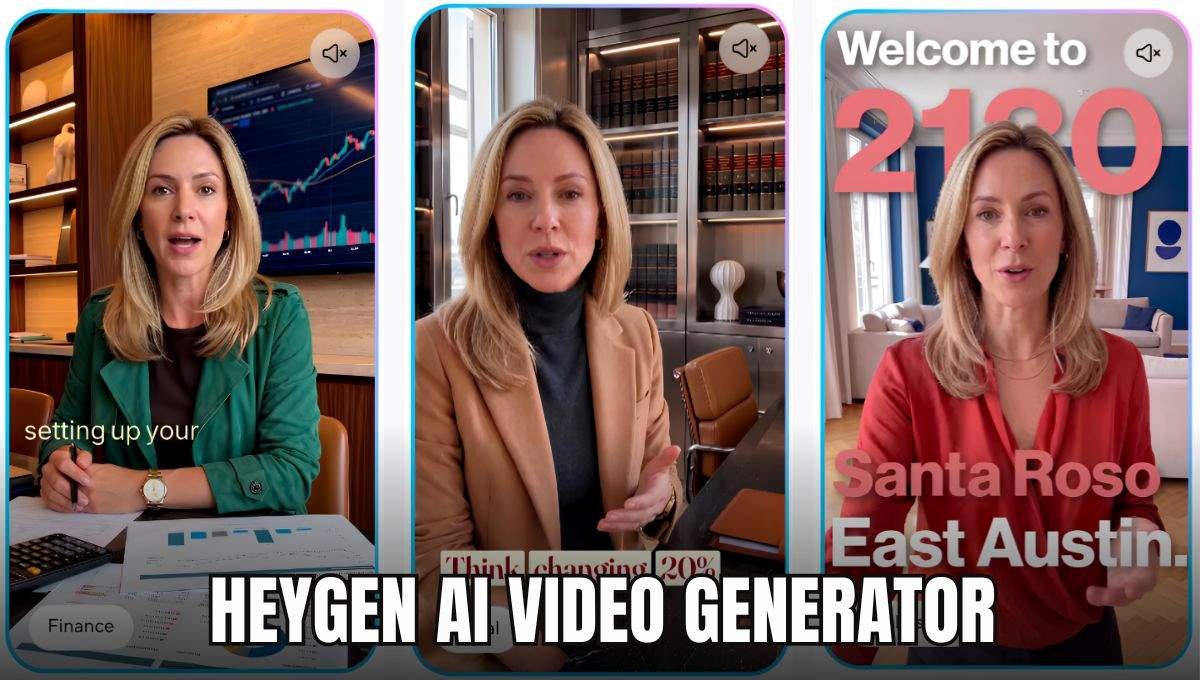

HeyGen is a video creation platform with AI technology that enables users to make professional videos without using cameras, actors, or advanced video editing skills. Users can pick an AI avatar, insert a script, choose a voice, and produce video from a web browser. HeyGen caters to video production for marketing, social media, sales, training, education, product demonstration, and communication for businesses. It features AI avatars, voice cloning, video translation, AI video generation tools, templates, and interactive video. This article will provide complete information about the HeyGen Tool.
What Is HeyGen?
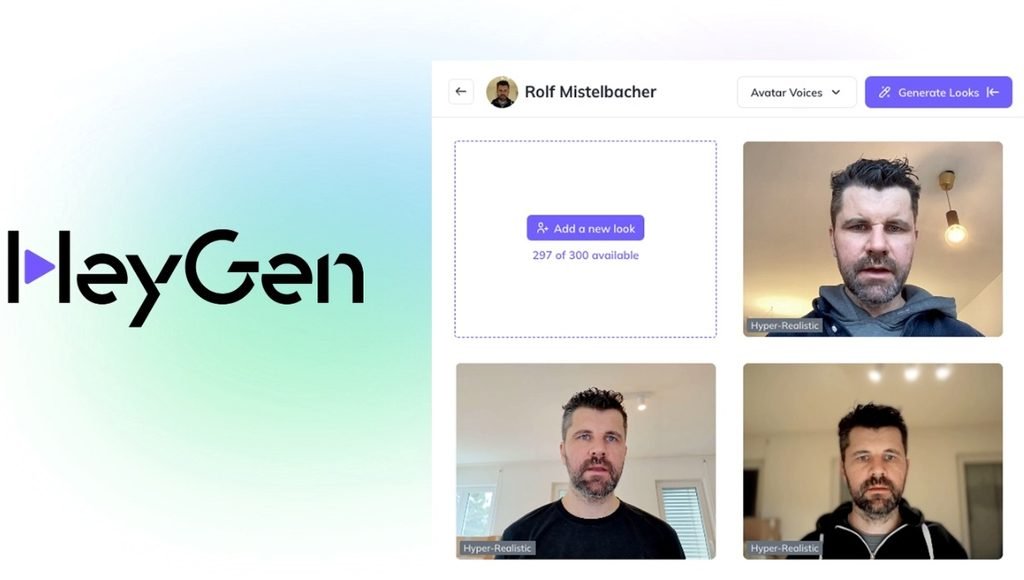
HeyGen is an AI platform for video generation that can convert text, images, presentations, documents, and more into videos. The primary function is to enable users to pick an avatar, type or upload a script, select a voice from the library, adjust the scenes, and create a ready-to-use video. The platform minimizes the need for traditional video production. Users can create videos without a camera, a crew, or advanced editing skills. HeyGen has a variety of applications, such as marketing, sales, learning and development, social media, product communication, and training.
Key Features of HeyGen
AI Avatars
Presenting videos with AI avatars is possible thanks to the collection of AI avatars that HeyGen offers. The user can choose an avatar that reflects the kind of content he/she wants to create. Additionally, the platform allows users to select from a variety of customizable avatars, giving them a more personalized digital presenter.
Custom Avatars
Users can design their own avatar in digital form and use it for video production. This is helpful for creators, trainers, companies or brands that wish to maintain a uniform presenter in several videos.
AI Voices and Voice Cloning
Users can choose an AI voice and tune it to accent and tone, speed, and voice model with HeyGen. Voice-cloning options are available in paid plans too.
AI Video Creation
The platform has the ability to transform text and videos. AI Studio includes tools like Script Writer, Motion Designer, Image Generator, and Video Generator.
Video Translation
The languages/dialects that HeyGen supports for translating videos include over 170 languages. AI dubbing and lip-syncing features enable its translation workflow to adapt existing videos to suit audiences of multiple languages.
AI Studio
Studio AI offers users a workspace for creating and editing videos. It contains control over the avatar, script, scene, media, text and voice settings.
Templates
Users can begin by utilizing templates instead of building all of the scenes from scratch. This can save on the time needed to produce videos time and again, like marketing videos, presentations, announcements, or training videos.
Interactive Videos
HeyGen’s Business plan includes interactive video capabilities such as quizzes and links. These features are great to have for training, learning, customer engagement, and other content where viewers must interact with a video.
LiveAvatar
In addition, HeyGen also provides LiveAvatar to enable live AI avatar talks. LiveAvatar can listen and respond in a real-time interaction, unlike traditional “pre-rendered” videos. It powers a wide range of use cases, including AI assistants, customer support, sales, education, and interactive applications.
AI Video Apps
HeyGen offers AI-powered video solutions like creating video clips, UGC style advertisements, perfecting your video, and highlights from longer video recordings.
How to Use the HeyGen Tool
- Step 1: Create a HeyGen Account. Go to the HeyGen platform and sign up. Go to the HeyGen website and register for an account. It has a Free plan that you can use before you opt for the paid version. There, you can view and select the desired video. There, you will see and choose the video you want.
- Step 2: Go to the video creation area and choose “Create video”. HeyGen’s AI Studio enables users to create from scratch, pick a template, configure from a PPT or PDF or choose any other creation workflow.
- Step 3: Click on the ‘Choose Avatar’ button. Choose a public avatar or one of your custom avatars. The avatar selected will be the one to appear as the video presenter.
- Step 4: You are also required to add your own script. Type or copy/paste the words that you would like the avatar to say. You can assign different scripts to each scene in HeyGen. Also, you can check out the script prior to starting creation of the video.
- Step 5: Select a Voice. Choose a suitable AI voice. Based on the options available, you can fine-tune settings like accent, tone, speed, and voice model. You can preview the audio and visual elements before you create the final video.
- Step 6: Customize Scenes. Include backgrounds, images, videos, text, subtitles, and other visual elements. The visual content, avatar, and script of each scene can be different.
- Step 7: The video gets generated. If everything seems all right, then generate the video. The exported video can have different resolutions, depending on your plan and settings. You can download or share the file. You can download or share the file. Once you create the video, you can use it for social media, training, marketing, presentations, or any other content needs.
HeyGen Pricing 2026
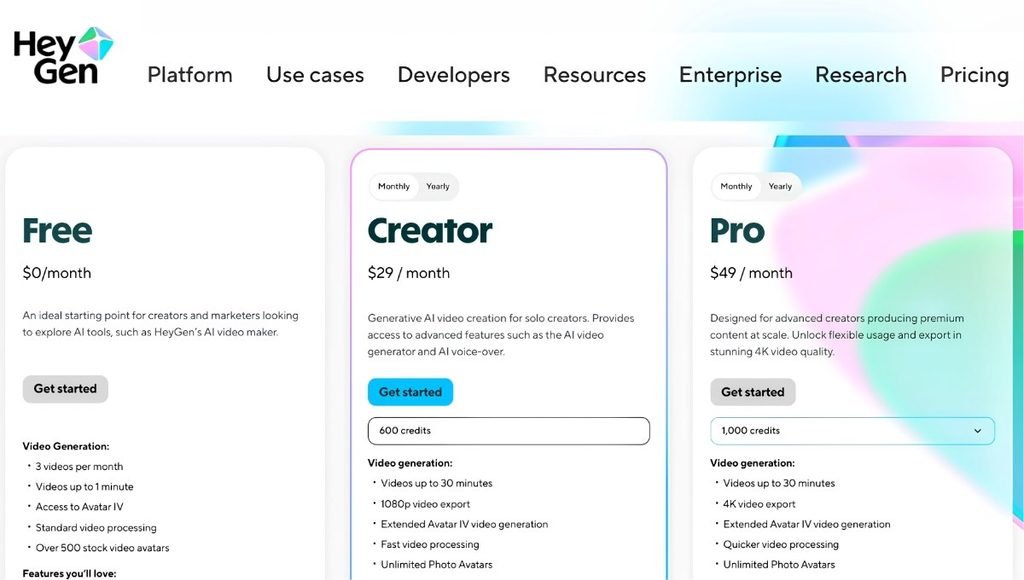
HeyGen offers Free, Creator, Pro, Business, and Enterprise plans. Pricing and features can change, so users should check the latest plan details before purchasing.
| Plan | Price | Main Features |
| Free | $0/month | 3 videos/month, up to 1 minute, Avatar IV, 500+ stock avatars |
| Creator | $29/month | 600 credits, up to 30-minute videos, 1080p, voice cloning, watermark removal |
| Pro | $49/month | 1,000 credits, up to 30-minute videos, 4K export, advanced AI models |
| Business | $149/month | 1,500 credits, up to 60-minute videos, 4K, collaboration and interactive features |
| Enterprise | Custom | Flexible video generation, 4K, high concurrency, enterprise controls |
HeyGen also lists discounted annual pricing for some plans. The exact price can vary depending on whether the subscription is billed monthly or annually.
Who Should Use HeyGen?
- Content Creators: HeyGen allows YouTube creators, Instagram creators, LinkedIn creators and others to create videos featuring a presenter voice without needing to be in front of the camera.
- Businesses: AI presenters can be used by businesses to create product introductions, announcements, promotional videos, customer education, and internal communication.
- Marketing Teams: Marketing teams can produce social media videos, product explainers, localized ads, and more, more efficiently.
- Educators and Trainers: AI avatars and voiceover can be used to help teachers, trainers, and learning teams create instructional and training videos.
- Sales Teams: Sales teams can develop tailored presentations for their prospects, prospecting videos, product demos, and follow-up content.
- Global Businesses: International companies can utilize HeyGen’s translation feature to translate videos into various languages.
- Developers: Developers can use HeyGen’s APIs and LiveAvatar technology to integrate AI-generated video and real-time avatars directly into their applications and workflows.
Pros and Cons of HeyGen
| Pros | Cons |
| Easy-to-use AI video creation | Advanced usage requires a paid plan |
| Large selection of AI avatars | AI-generated presenters may not suit every type of content |
| Custom avatar options | Credits can limit high-volume production |
| Voice cloning available | Higher-resolution exports require higher plans |
| Supports 170+ languages and dialects | Pricing can become significant for teams |
| Video translation and lip-sync capabilities | Final videos still need human review |
| 4K export available on Pro and higher plans | Some advanced features are restricted to higher plans |
| Useful for marketing, training, sales, and education | Results can vary depending on script and voice selection |
HeyGen System Requirements
| Requirement | Details |
| Device | PC, Mac, tablet or smartphone |
| Browser | Modern updated browser |
| Internet | Stable internet connection |
| RAM | 4GB+ recommended |
| GPU | Not required |
| Camera | Not required |
| Account | HeyGen account required |
HeyGen Alternative
| Platform | Best For | AI Avatars | Video Translation | Main Focus |
| HeyGen | AI videos & localization | Yes | Yes | AI video creation |
| Synthesia | Business & training | Yes | Yes | Corporate videos |
| Colossyan | Education & training | Yes | Yes | Learning content |
| D-ID | Talking avatars | Yes | Yes | AI presenters |
| VEED | Video editing & social media | Yes | Yes | AI + video editing |
Is HeyGen Safe to Use?
HeyGen features security and privacy options for users and companies producing AI videos. But users need to be aware of the way content, details, avatars, and synthesized voices are managed prior to use. Special attention should be paid when designing an avatar or cloning a voice. If a user creates a digital representation of another person, or uses a digital representation created by another user, for commercial purposes, they should ensure that they have the necessary permissions and consent. Before using HeyGen for a sensitive or commercial project, businesses should read HeyGen’s Privacy Policy, Terms of Service, Data-Processing Information, and applicable Use Conditions.
Is HeyGen Worth It?
The appropriateness of HeyGen will depend on the video production needs, budget, and workflow of the user. The platform can be helpful for those who frequently need videos to present in their style, but wish to minimize the need for a camera, actors, video production and film.
The Free option is a means to try out the service before purchase. If you need videos longer than the ones offered, higher resolution exports, voice cloning, removal of watermarks, or more monthly usage, you may need to sign up for a paid plan. Teams and businesses can also explore plans that offer increased features, such as collaboration, automation, localization, or other advanced options.
Users need to know that the amount of video they need, the length of video they need, the video quality they require, and the features they need are the aspects that make the service valuable, and need to be compared with the limits of each of the plans before subscribing to them.
Conclusion
HeyGen is an AI video generation tool that intends to unite the three aspects of creating video content: avatars, voice generation, video generation, translation, editing, and automation in a single system. It can be utilized for social media videos, marketing campaigns, training material, sales content, educational videos, and multilingual communication. The Free plan is ideal for getting a taste of the platform, and Creator, Pro, Business, and Enterprise plans offer increasingly generous usage and capabilities. HeyGen is a browser-based video production service that may make video creation easier for those who prefer to produce videos like a presenter, but without relying on typical video production methods and workflows.
FAQs
A1. HeyGen is a tool used to generate AI-generated videos using digital avatars, AI voices, video scripts, video translations and more.
A2. Yes. HeyGen offers a free trial that offers up to 1 minute of videos each month and three videos.
A3. Yes. More than 170 languages and dialects are supported on HeyGen platform and support a large number of languages and dialects.
A4. Yes. Users can create videos with their avatars without ever stepping in front of a camera.
A5. Yes. Translate videos with AI dubbing and lip-sync in over 170 languages and dialects with HeyGen.
Also Read: Midjourney: Features, Pricing, AI Image Generator, How to Use & Complete Guide 2026