

Grammarly is a writing assistant, an AI-based tool, which may help users enhance their writing. It can proofread common mistakes in grammar, spellings, punctuation, sentence structure, tone, and other points. It can be accessed online, in the browser with browser extensions, and on mobile devices and desktop. Grammarly has AI capabilities that can aid users in rewriting sentences, brainstorming content ideas, enhancing wording, and crafting various written content types. Grammarly can help improve the clarity and understandability of a student’s writing, for bloggers, marketers, business people, professionals, and the general public. It has both free and paid plans, and the more advanced features are available on the paid plans.
What Is Grammarly?
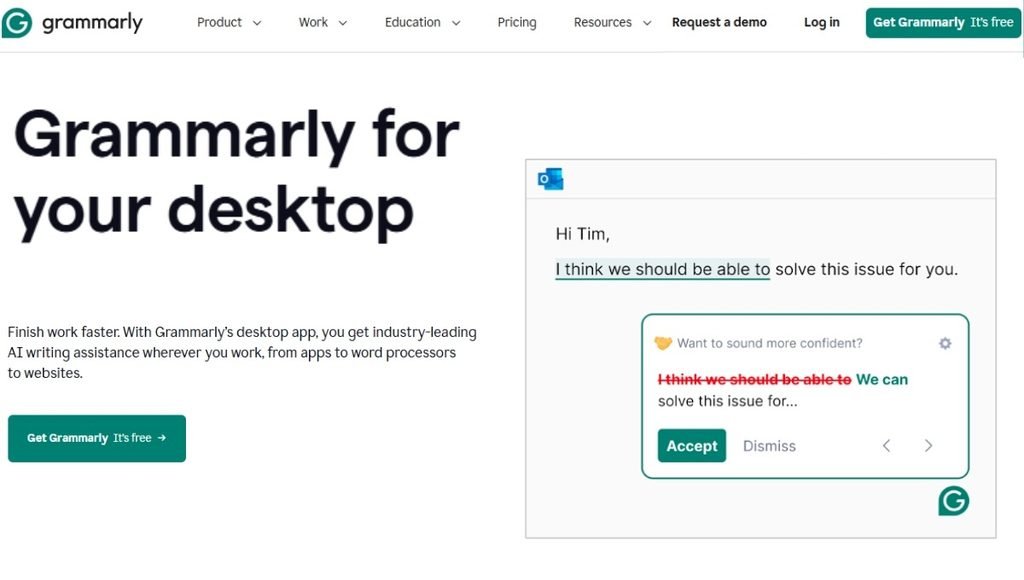
Grammarly is a writing assistant tool that helps individuals to write effectively and correctly. It reviews spelling, grammar, punctuation, clarity, tone, style, and other aspects of the written material. Grammarly can be opened by the user on the online editor or from a browser extension while composing text on the websites that support it. It is so much more than a grammar checker—it’s an intelligent writing assistant. The tools can be used to brainstorm ideas, rephrase sentences, write text, summarize, or enhance current text. This means that Grammarly can help you with various kinds of content such as emails, assignments or articles, social media posts, business correspondence, and your regular messages.
Key Features of Grammarly
Grammar and Spelling Check
All words will be checked for grammatical structure and spelling accuracy.
Grammarly can catch errors in grammar and spelling as you’re typing. It points out possible issues and offers tips which can assist you to make your text more accurate. The grammar, spelling, punctuation and suggestions for commonly confused words are included in the basic version.
Grammarly AI
Grammarly AI offers writing and editing advice with the help of generative AI. Users can request to write out, alter, brainstorm or enhance text based on a specific need.
For instance, if you type in a simple sentence, you can request to make it more professional, concise, friendly, or engaging.
Sentence Rewriting
Grammarly can offer an alternate sentence structure. When a sentence is unclear or too long, repetitive, or not in the desired tone, this feature may come in handy.
Users can edit sentences to become more concise, professional, casual, and/or easier to understand.
Tone Suggestions
Grammarly can examine the tone of your writing, and offer ideas for improving it based on how readers might interpret your text. When communicating in writing with someone you don’t know, it can be helpful to use this when composing an email, business message, application, social media posting or another significant message.
Grammarly Check Online
It is possible to access Grammarly in the browser to check written content without installing the browser extension. Text can be typed and pasted into the online editor and the available suggestions are displayed.
This is helpful when reading through a long-form text, such as an article, assignment, email, application, or other text before publishing or submitting it.
Plagiarism Checker
For them, features related to plagiarism would be part of the paid Grammarly plans, which might help them to determine whether there is any content that resembles them. This is a handy feature for students, copy editors, bloggers, and others, to check content before publishing or submission.
AI Detection
Grammarly offers AI feature detection as well. The tools can be used to analyze a text and to identify whether certain parts of the text were generated using AI.
While AI detection is a powerful tool, it is important to remember that it is not foolproof and can sometimes give false alarms.
How to Download Grammarly Extension
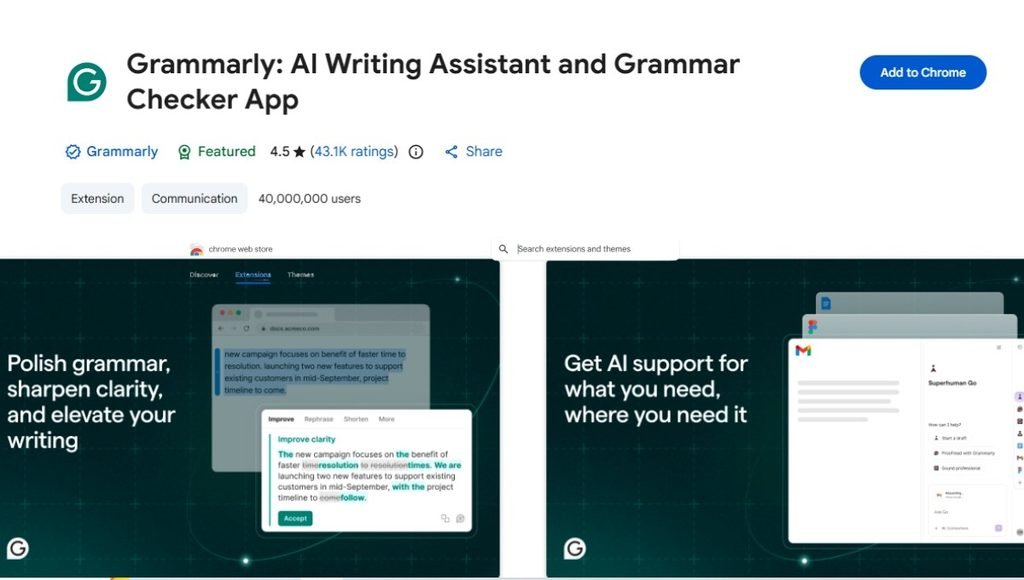
The Grammarly browser extension is available for Chrome, Safari, Firefox and Microsoft Edge.
How to use Grammarly in Google Chrome
- On your computer, open Google Chrome.
- Click on the Chrome Web Store link.Click the Chrome Web Store link.
- Search for Grammarly.
- Download the official Grammarly extension. Install the extension.
- Tap Add to Chrome.
- Confirm the installation.
- Wait until the extension has been installed.
- Log in to your Grammarly account.
- Open a website containing a text box.
- Type to get suggestions.
To add the extension to your Chrome toolbar, click the Extensions menu and then click on Pin to the toolbar.
How to install Grammarly for Firefox
- Open Firefox.
- Go to the Firefox Add-ons marketplace.
- Search for Grammarly.
- Choose the Grammarly extension.
- Click on Add to Firefox.
- Confirm the installation.
- Log in to your account.
- Begin to write on a supported website.
By default, Grammarly comes with the following add-ons:
- Open Microsoft Edge.
- Search in the Microsoft Edge Add-ons store.
- Search for Grammarly.
- Click on the official Grammarly extension.
- Click Get.
- Select Add Extension.
- Complete the installation.
- Log in to your account.
How to Install Grammarly on Safari
- Go to the Mac App Store.
- Search for Grammarly.
- Click on the official Grammarly app.
- Tap Get and install the app.
- After installation, open the app.
- Add Grammarly for Safari extension.
- Give the required permissions.
- Begin using while you’re composing online material.
Grammarly Login
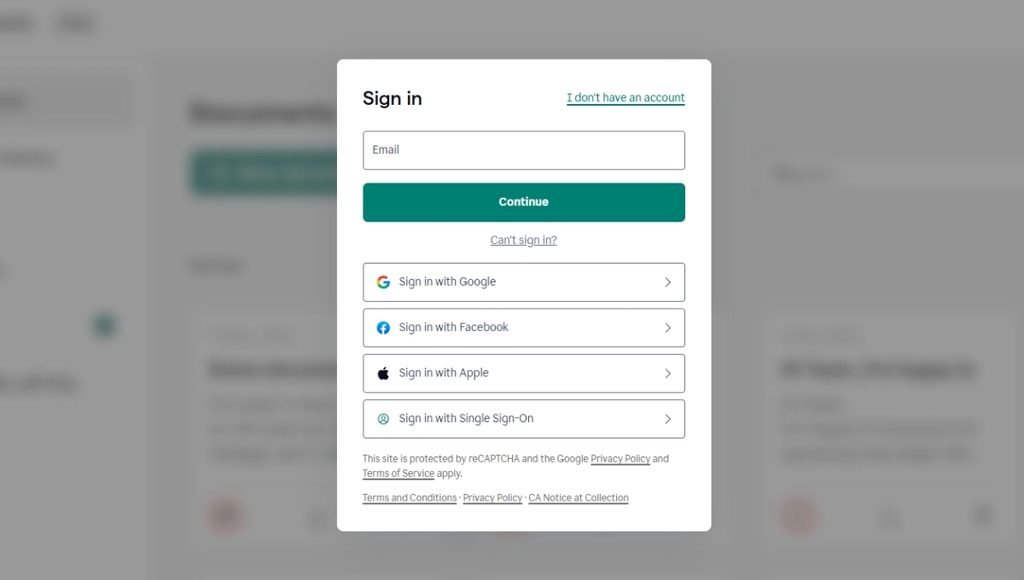
With a Grammarly login, users can log into their account, use their tools and preferences, and check the details of their Grammarly subscription.
Log In: Open Grammarly and click on Log In. Enter username and password or choose from the available supported sign-in methods.
If it keeps failing to log in, make sure that your internet connection and browser are working properly. Other browser login issues may be solved by simply deleting cookies and cache or using another supported browser.
Users should also ensure they are typing in the right email address and password of the account.
Grammarly Pricing in 2026
Grammarly is both a free and paid service. The pricing may vary by subscription, region, platform, promotions and billing period. At $12 a month per year, the annual Pro price comes out to $144.When paid annually, the annual price of Pro is $144 per month, or an average of $12 per month.
The prices may differ from buyer to buyer across India depending on their geographic location and may appear in an Indian language with Indian currency (INR). Before buying, the final price needs to be verified as regional prices and offers may vary.
| Plan | Price | Main Features |
| Grammarly Free | $0 | Basic grammar, spelling, punctuation and limited AI features |
| Grammarly Premium | Varies | Advanced writing suggestions, rewriting, tone suggestions and plagiarism-related features |
| Grammarly Pro Monthly | $30/month | Advanced writing and AI features |
| Grammarly Pro Quarterly | $60/3 months | Advanced writing and AI features |
| Grammarly Pro Annual | $144/year | Advanced features with annual billing |
Pros and Cons
| Pros | Cons |
| Easy to use | Some advanced features require payment |
| Real-time writing suggestions | Suggestions can sometimes be incorrect |
| Grammar and spelling checking | AI features may have usage limits |
| Browser extensions available | Pricing varies between plans and platforms |
| Supports desktop and mobile devices | Some features require an internet connection |
| AI-powered writing assistance | Users should review AI suggestions before accepting them |
| Useful for different types of writing | It does not replace professional editing in every situation |
Grammarly vs Other Writing Tools
Grammarly competes with several other writing and AI editing tools. Two commonly used alternatives are QuillBot and ProWritingAid.
| Feature | Grammarly | QuillBot | ProWritingAid |
| Grammar Checker | Yes | Yes | Yes |
| Spelling Check | Yes | Yes | Yes |
| AI Writing | Yes | Yes | Yes |
| Paraphrasing | Yes | Yes | Yes |
| Plagiarism Checker | Paid | Premium | Premium |
| Browser Extension | Yes | Yes | Yes |
| Desktop App | Yes | Yes | Yes |
| Writing Analysis | Yes | Yes | Extensive |
| Free Version | Yes | Yes | Yes |
| Annual Plan | Yes | Yes | Yes |
| Lifetime Option | No | No | Available |
Grammarly Online vs Grammarly Extension
Grammarly Online can help you when you need to copy and paste, or compose text in an online editor. When you wish to read an entire article, an assignment, an email or a document independently you can find it useful. If you use Grammarly while composing an article on the internet, the extension is beneficial. The extension is supported by major browsers such as Chrome, Safari, Firefox and Microsoft Edge. It also offers its desktop and mobile products.
Conclusion
Grammarly has evolved from a simple grammar correcting tool to the expansive AI-driven writing assistant it is today. It can assist users to proofread grammar, spelling, sentence clarity, tone, rewriting, and ideas.
The browser extension simplifies the use of the service, by providing writing suggestions when working on supported websites. For those seeking writing assistance on various devices, Grammarly also offers desktop and mobile versions.
The free version may prove helpful for grammar and spelling, and paid versions offer more writing and AI capabilities. Plans and prices may change, so users should make sure they consult the up-to-date information before subscribing.
FAQs
A1. Grammarly is a writing assistant tool that relies on artificial intelligence to enhance grammar, spelling, punctuation, clarity, tone and writing quality.
A2. Yes. it is available for free and provides basic writing support for free. Additional functionality is offered with paid plans.
A3. Go to the extension store for your browser, type in Grammarly, click on the official extension, and click the “install” button. Once installed login to your account.
A4. It offers generative writing support to assist with creating, rewriting, brainstorming, summarizing, and enhancing written material.
A5. Yes. Grammarly’s online writing tools can be used without the browser extension.
Also Read: Remaker AI: Features, Face Swap, Applications, How to Use, Pros and Cons