
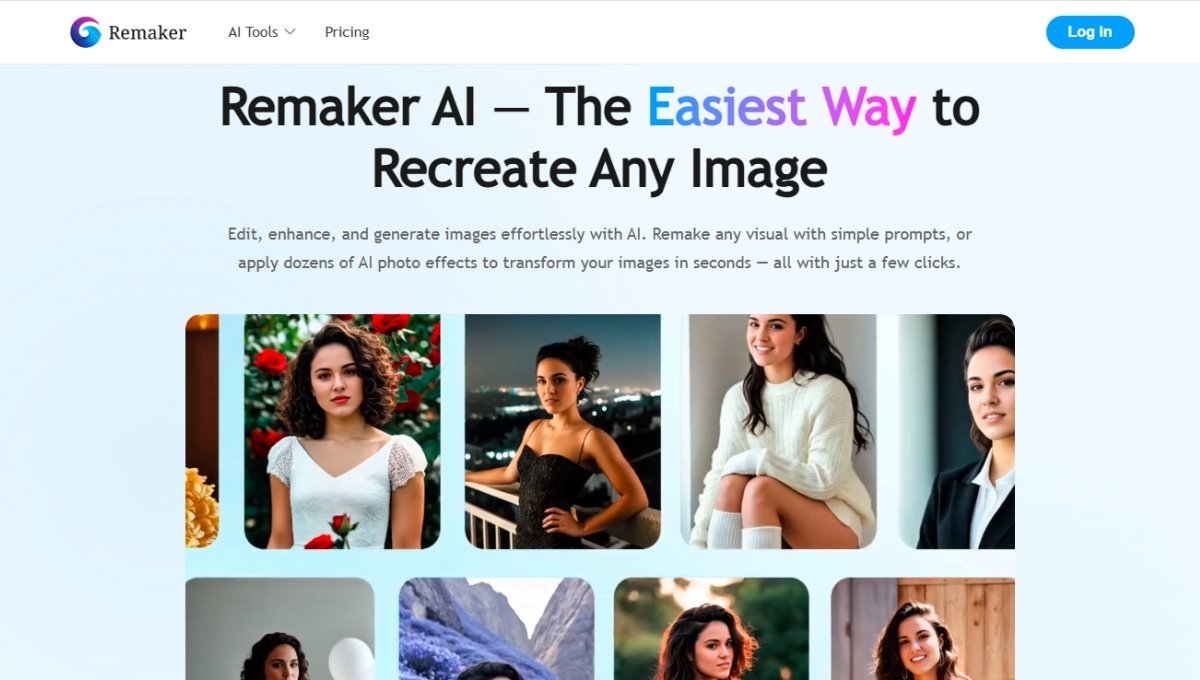

Remaker AI is an AI-powered online platform that helps users create, edit, and transform images and videos. It is famous for its AI-based face swapping capabilities, but it also has capabilities to create images, edit images, remove backgrounds, enhance images, and more. The site is developed for those who would like to produce visual material without the help of complex professional editing software. Remaker AI can be used for various creative projects, such as social media creation, marketing, blogging, and design. This article will provide complete information about Remaker AI.
What is Remaker AI?
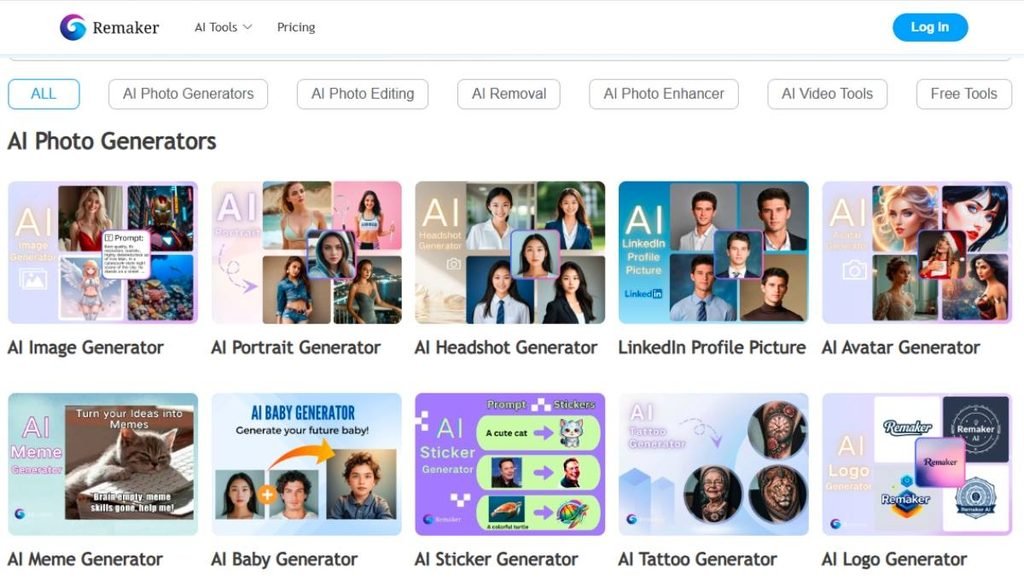
Remaker AI is an online AI tool that offers digital visual content creation and transformation capabilities. It is a collection of different AI tools, such as face swap, AI generation image, image-to-image generation, background removal, image enhancement, and video-related tools. Users can upload an image or video, select an appropriate AI tool, provide the required instructions or source material, and let the platform process the content. For anyone seeking quick, efficient results without a deep understanding of professional editing software, Remaker AI is an invaluable tool. It can be employed in social media posts, marketing, creativity projects, thumbnails, product images and entertainment.
Key Features of Remaker AI
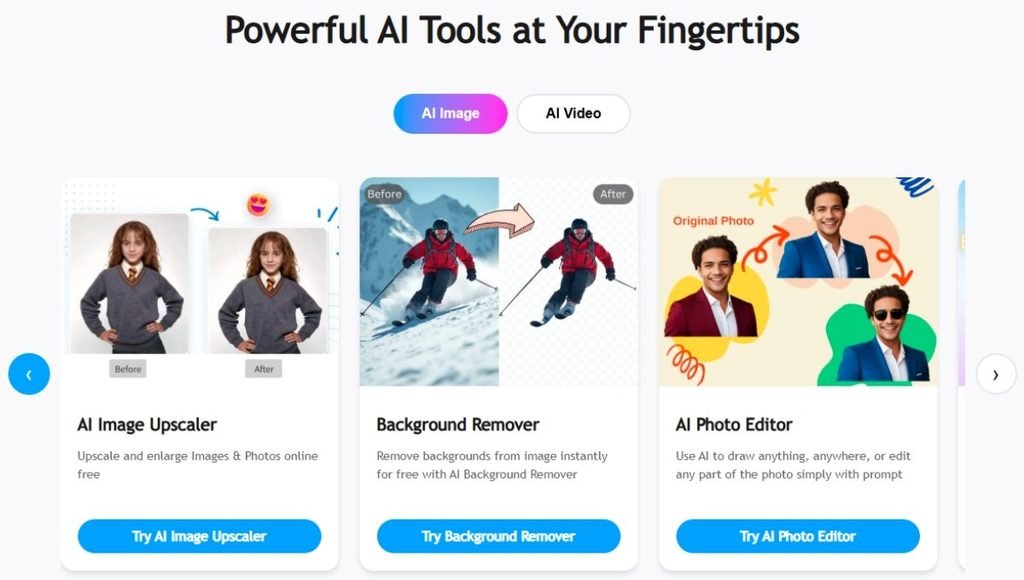
The main key features of Remaker AI are given below:
AI Face Swap
AI Face Swap is one of the most popular features of Remaker AI. It enables users to swap out one face in a picture with another through AI. The technology aims to match the elements such as facial position, lighting, facial expression, and image composition to produce a natural look.
Remaker AI Face Swap
The AI-powered face-swapping feature is another highlight of Remaker AI that enables users to create content with a different face. Users will be able to choose a video and source face and let the system process the video. The final result might depend on the video resolution, how clearly faces can be seen, movement, and camera angles.
AI Image Generator
The AI image generator can produce images based on text prompts. The AI can create an image based on subjects, environment, appearance, style, or concept the user wants. This is helpful for creative projects, social media posts, illustrations, or marketing materials.
Image-to-Image Generation
Image-to-image tools provide tools that use an existing visual as a starting point for creating a new, modified visual. This feature enables users to try out different looks, ideas and creative styles while keeping some of the characteristics intact of the original image.
Background Removal
In the background-removal feature, AI discerns the predominant subject of an image and removes any background. It can be beneficial for product photos, profile pictures, ads, thumbnails, and social media graphics.
Image Upscaling
Remaker AI offers image-upscaling functions which can boost the resolution of appropriate images. This can be beneficial if a user is looking for a bigger or more prominent version of an existing image. This is a dependent process to the original image and the detail of the image.
AI Image Enhancement
An AI enhancement tool can automatically enhance certain aspects of an image. They can also help to enhance the visual details and clear the pictures for users without having to tweak a lot of editing parameters.
Multiple Face Swap
The platform can also handle workflows with multiple people face swapping in the one image. It is beneficial for the group photos and for creating a dynamic composition if you have more than one face that has to be changed.
AI Video and Creative Tools
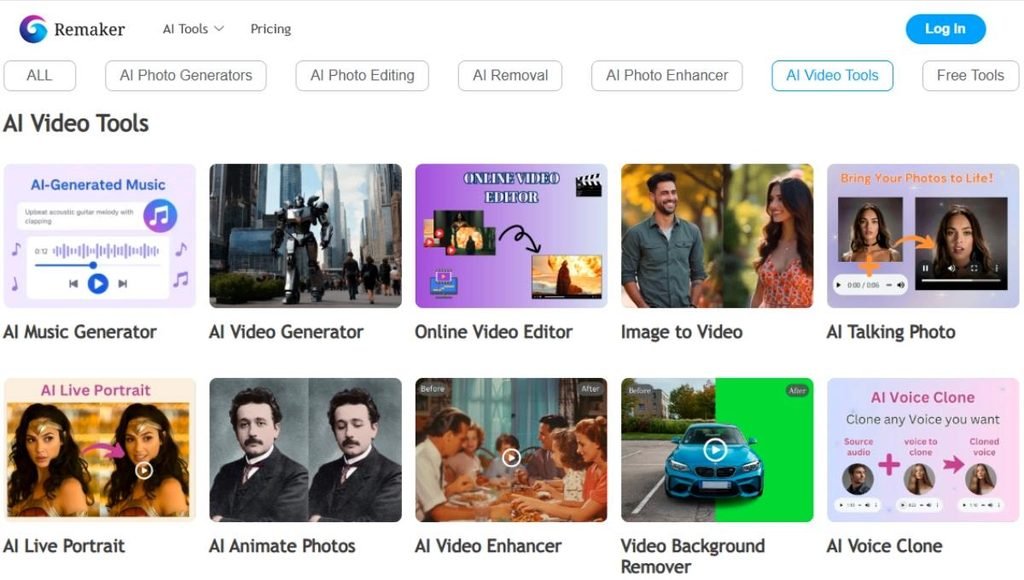
Remaker AI has tools to support video and other creative workflows with AI. These elements can aid content creators to experiment with brief video material and other AI-generated impacts.
How to use Remaker AI
Remaker AI is easy to use, provided you follow these steps.
- Step 1: Open the Platform. Go to Remaker AI and check out the AI tools. Choose the feature that suits your artistic need.
- Step 2: Select an AI Tool. Choose the desired feature, such as Face Swap, AI Image Generator, image enhancement, background removal, and so on.
- Step 3: In the next step, upload your content. To edit, upload the picture or video you want to work on. If you are creating an image, type in a thorough prompt of whatever you want it to look like.
- Step 4: Add the Required Input. You might need to upload one or more of the following: source face, target image, reference image, or other content is required depending on the tool selected. Follow the directions given by the platform.
- Step 5: Modify the Settings Available. There are some that offer variations that enable you to tweak the output or choose specific elements of the image or video. Select the settings that best suit your needs.
- Step 6: Make the Result. Initiate the AI processing operation. The platform will process the content uploaded or prompt and will produce the desired output.
- Step 7: Take a look at the Output. Take a detailed look at the image or video created. In some cases, AI-generated images may exhibit inconsistencies, especially if the original images are not well-lit, captured from unusual angles, have low resolution, or are moving.
- Step 8: Save the Result. If the output is satisfactory, save or export the finished product by taking advantage of the option available.
Applications of Remaker AI
Social Media Content
Remaker AI is the perfect tool for social media creators to generate engaging images, created visuals, face swaps, and brief-form content. These tools can assist creators in generating fresh content ideas to come up with faster.
Marketing and Advertising
AI image-generating and editing capabilities can be leveraged to produce promotional images, campaign ideas, social media graphics, and more for marketers. It’s convenient to be able to generate variations quickly when planning content.
YouTube Thumbnails
The image generation, image improvement and background removal tools, among others, are available to YouTube creators for creating tailored images. AI can assist in exploring various visual ideas.
Product Photography
The computer can help online merchants edit photos to remove the background and enhance the image. Getting rid of the background of a product can help the product stand out more in the picture and be better for other marketing materials.
Blogging
AI image generation tools can assist bloggers in developing complementary images for their articles. A custom visual can assist in making blog posts more visually interesting and make it easier to illustrate an idea that cannot be captured in a photo.
Entertainment
Memes, funny edits, fun creative projects, and entertainment projects are all examples of applications that can utilize face swapping and AI-generated content. It is important to always honour the privacy of others and get the proper consent when using another person’s likeness.
Creative Projects
Remaker AI provides designers and creators with opportunities to explore visual concepts, characters, styles, and compositions. It could be used as a brainstorming exercise before more sophisticated work is produced.
Pros and Cons of Remaker AI
| Pros | Cons |
| Easy-to-use online interface | Advanced manual editing controls are limited |
| Multiple AI creative tools | Results are not always perfect |
| Strong focus on face swapping | Complex images can produce artifacts |
| Supports image and video workflows | Some advanced features may require credits |
| AI image generation is useful for creators | Video processing can take more resources |
| Background removal and enhancement tools | Output quality depends on the input |
| Suitable for beginners | It may not replace professional editing software |
Future of Remaker AI
It is likely that the future of Remaker AI is going to rely on the enhancement of the Generative AI, image quality, video generation, facial consistency, and control of editing. With evolving AI technology, platforms like Remaker AI could deliver more realistic images and videos, and enable users to exert more control over the resulting image. AI tools might also prove to be more valuable for professional content creators and businesses if they can process the content faster and deliver consistent video output. Meanwhile, responsible use of AI will grow in significance. As the generation of realistic synthetic media grows more complex, privacy, consent, copyright, and the misuse of such media will continue to be relevant concerns.
Conclusion
Remaker AI is a helpful platform that utilizes AI for fast and efficient creation, editing, and transformation of visual content. It offers the following core features: AI face swapping, image generation, background removal, image enhancement and upscaling, and video-related creative tools. It can help bloggers, social media developers, marketers, designers, online sellers and normal users. While it is quite simple and easy to use, it can produce different effects depending on the quality and complexity of the source content, so beginners might still find it difficult to master. In summary, Remaker AI might be a viable option for rapid creative tasks where automation and convenience are crucial.
FAQs
A1. Remaker AI is an online platform based on artificial intelligence, offering tools for creating, editing, and manipulating images and videos.
A2. It primarily handles AI face swapping, image generation, image editing, background removal, enhancement, and more creative content-related tasks.
A3. Yes, Remaker AI offers AI-powered video tools, such as creative video-related face-swapping.
A4. Yes, it has AI image generation capabilities that can generate images from text prompts.
A5. Yes. It is easy to use, even by amateurs, thanks to its web interface and automated AI features.